
Registration Help
We operate a 2 stage registration process for security and keep spam to a minimum.
Stage 1.
Click the Register link on the menu.
Complete the first pre-registration stage by entering your First Name, Last Name and your email twice to ensure that is it correct.

Then click 'Send Verification Email'

Check your email to complete the pre-registration, if the email is not in your inbox check your spam/junk folder or search for *@northdevonnetworking.co.uk to find it.
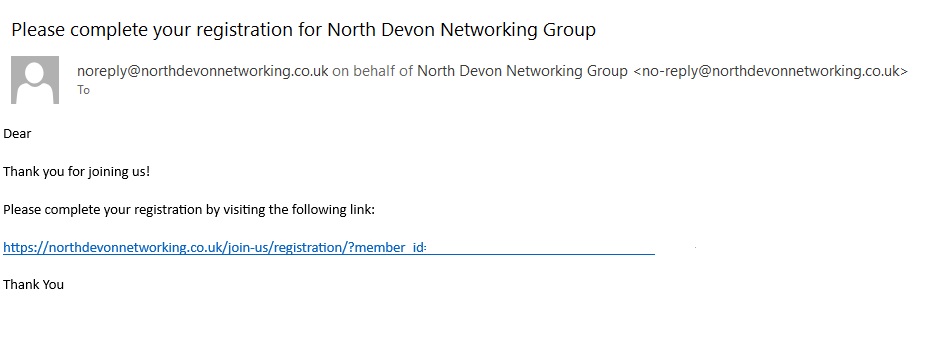
Click the link, which will open up the full registration stage.
Stage 2

Please fill in all the fields.
Username: choose something meaningful, perhaps your company name or trading style - no spaces, but you can use: -, . , _.
Password: please ensure you use a strong password, or the system may reject the form.
Phone, Company (or trading name) and Website are needed to ensure your details display in the 'Members Directory'.
Once you have completed the registration form you will be automatically logged in, and will have access to the 'Members' options on the menu.
If you need to change any of the details you can do so by clicking 'Member Profile' on the membership menu.