
Questionnaire Results
Directory on Website
One of the comments received from the recent questionnaire was an option for a directory on the website.
The website runs on the WordPress content management system (CMS) and has many contributors from around the world and therefore quite a few options for a 'directory' via what are known as 'plugins'.
Plugin's come in two varieties, free and paid-for. As the group is an unincorporated body, the preference is to continue with the free options available to us.
Here are some thoughts for discussion at the next meeting about moving this forward.
eMember
We currently have the eMember membership/directory plugin available to us. This can be a closed membership where the directory can only be viewed by registered members, or open to the wider public. From an administrative point of view it can be self managing automatically approving new registrations, or manually approved.
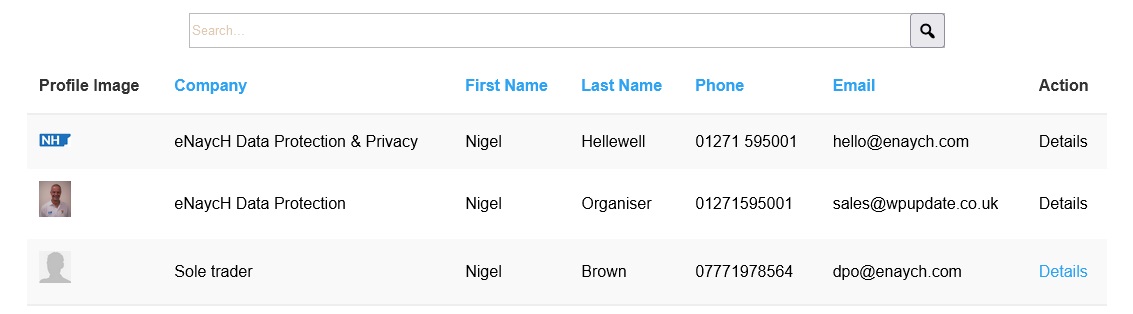
eMember Listing
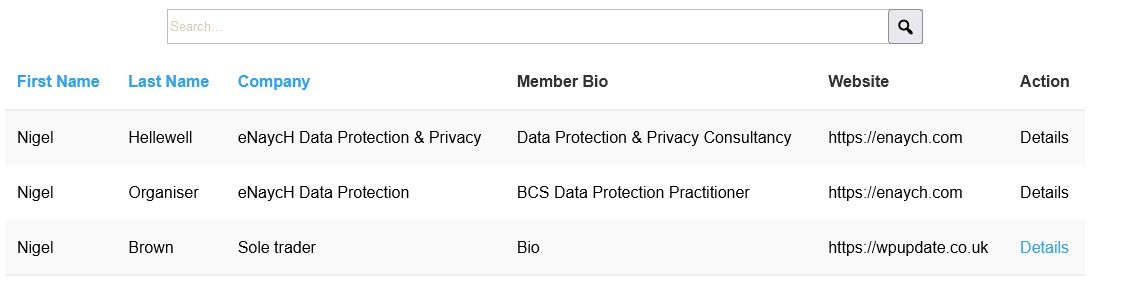
eMember Bio Listing
eMember does, however, only offer 5 fields of information and can only be viewed as a listing in a horizontal format.
By clicking the 'details' option in either of the listing methods, the members full details show up.

eMember Details Page
Business Connections
Another plugin that could be of use is the free version of the 'business connections' directory style plugin.
It appears quite simple to setup and administer, however it is not a membership option - so any listings requiring adding to the directory would have to be done manually.
This could be via either:-
- a 15 minute slot at the end of each meeting with a website admin or editor entering in all the information
- members emailing over the required data for it to be input manually, as happened for the "Members Introduction" post.
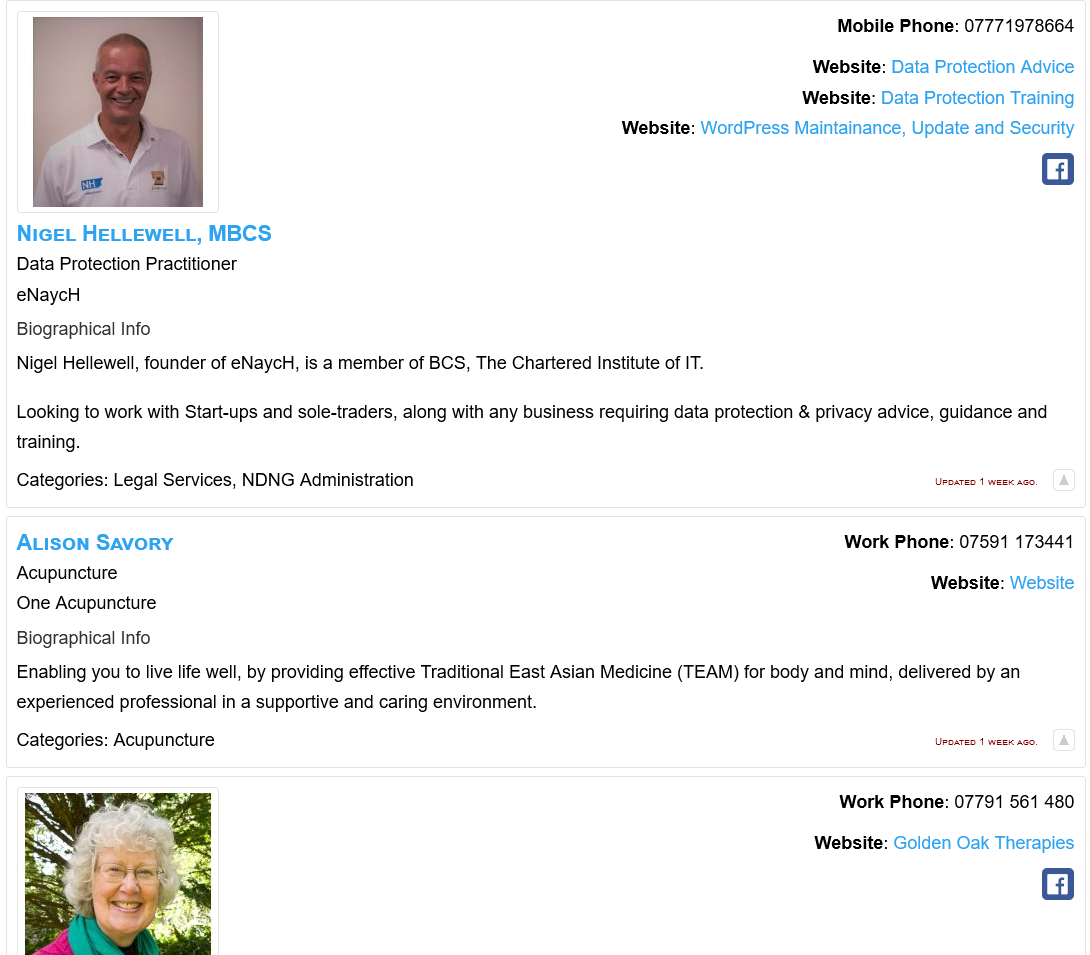
Business Connections Directory Listing

Business Connections Names
Business Connections comes with a category option which would allow the use of 'tags' for business/trading styles and therefore build up more of a directory. It also has an option to randomise the listings.
Team Members
Another manually operated free plugin is Team Members which could be used as a members directory.
Multiple teams can be setup so like business connections there could be flexibility to show for example the management team and then members. There is no mix and match option as there could be via Business Connections categories, but it does also have the randomise functionality.

Team Members
So, above were three options that have had a quick proof of concept run.
Updated: 6th April 2024
Members decided to go with using 'eMember' plugin to allow member registration and member only content in the future and 'Team Members' to allow a page to display with the the member information.
This will be implemented shortly. Thank you to everyone for their input.